With a corrupted PowerPoint deck, the original file is evidence. Make a duplicate first, test repair on the duplicate, and keep notes on which copy came from which folder or backup.
First move: For a corrupted PowerPoint deck, make an untouched archive copy, then run repair only on a duplicate.
Protect the clues before clicking
Stop creating new versions for a moment. Close any replacement file with the same name, leave Trash or Recycle Bin alone, and avoid cleanup tools. If the file matters, capture the error message and write down the last device, app, folder, and edit time.
The record turns panic into triage. Match the event to the evidence source before opening random results or restoring a folder.
Follow the file from app to cloud to backup
Move from the freshest evidence to older backups. The useful order here is:
File > Info > Manage Presentation > Recover Unsaved Presentations- PowerPoint AutoRecover location from the app preferences or
Options > Save - OneDrive or SharePoint version history for decks saved in the cloud
- Copy
.pptxcandidates before opening them in repair mode
When a candidate looks possible, copy it before testing. Add a source label like autorecover, trash, version-history, or file-history so you can retrace the path later.
Compare copies, not originals
- Sort candidates by modified time, then by file size.
- Copy each likely file into the holding folder.
- Open copies read-only when the app allows it.
- Compare the first page, the last edited section, and any formulas, comments, or images that matter.
- Restore only after the best copy is clear.
This extra copy step is what keeps a reversible mistake reversible. If one candidate opens badly, you still have the untouched source. If two versions both contain useful work, you can compare instead of choosing blind.
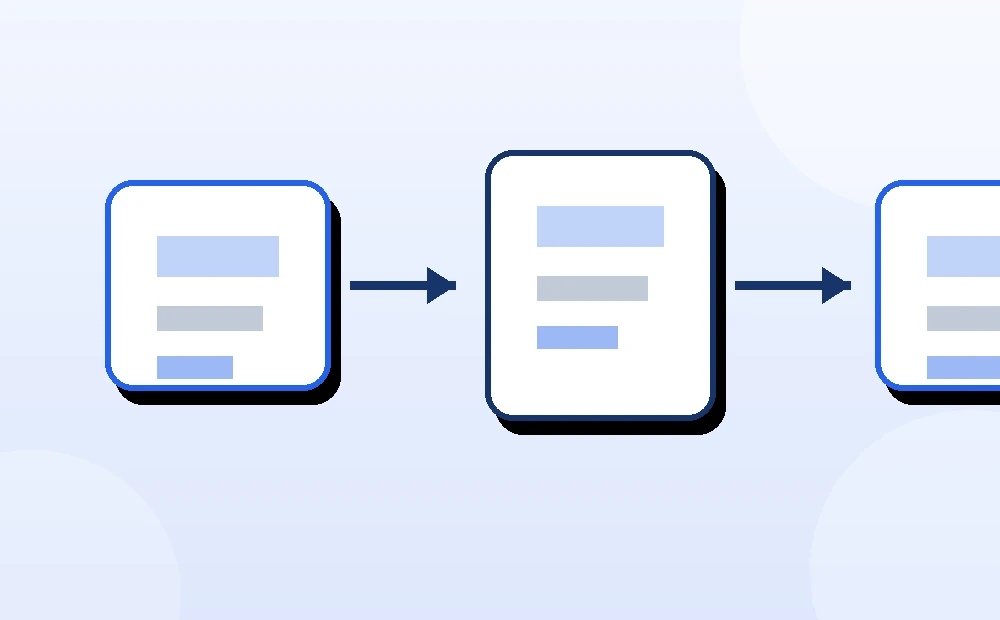
How this case usually resolves
With Office, do not let the local sync folder make the decision alone. The desktop app, AutoRecover location, and browser version history can each hold a different clue.
If time is tight, do the reversible part first: copy the current file or folder, open the web version if a cloud service is involved, and download a candidate instead of restoring over the live copy.
What this looks like in practice
The file opens with an error after a crash. Make two copies: one untouched archive and one working copy. Try the built-in repair on the working copy, then compare file size and visible content. If the first repair produces blank pages or broken formulas, stop using that result and return to the untouched copy.
Quick triage table
| What you see | Best first check | Risk to avoid |
|---|---|---|
| The app crashed before a save | AutoRecover, unsaved files, and temp locations | Reopening and saving a blank replacement |
| The file was deleted from a synced folder | Web Trash or recycle bin for the cloud service | Letting the synced deletion become the only story |
| The content is older than expected | Version history and downloaded copies | Restoring over the live file before comparing |
| The file opens with errors | Duplicate first, repair only the duplicate | Damaging the only original with repeated repair attempts |
| Search finds many odd names | Sort by date, extension, and size | Opening every result and accidentally saving changes |
What makes recovery harder
- Restoring the first visible result because the filename looks right.
- Trusting Recent files instead of checking the actual storage location.
- Opening candidates directly from a temp folder and then saving over them.
- Running third-party recovery tools before copying cloud and backup evidence.
- Waiting until cloud Trash, version history, or backup retention windows expire.
When to stop and hand it off
Stop if the missing slide deck is legally important, business-critical, the only copy of a major project, or stored on a drive that is making noise or disconnecting. Also stop if every repair attempt makes the file smaller or less readable. At that point, a clean handoff with copied candidates and notes is more valuable than another random tool.
What to write down before you close the case
A professional handoff is easier when the clues are labeled. Record the source of each candidate and the reason it looked promising.
This record helps even when the recovery works. If the restored slide deck later turns out to be incomplete, you can return to the candidate list instead of starting over. It also makes a professional handoff cleaner because the next person can see what was already checked and which version looked strongest.
Sources and further reading
- Microsoft Support: recover Office files
- Microsoft Support: view previous versions of Office files
- Google Drive Help: find or recover a file
The safe restore principle
The practical rule is simple: evidence before restore. Keep the clues, compare the copies, and make the final click only after the better version is clear.